Proof of Creation
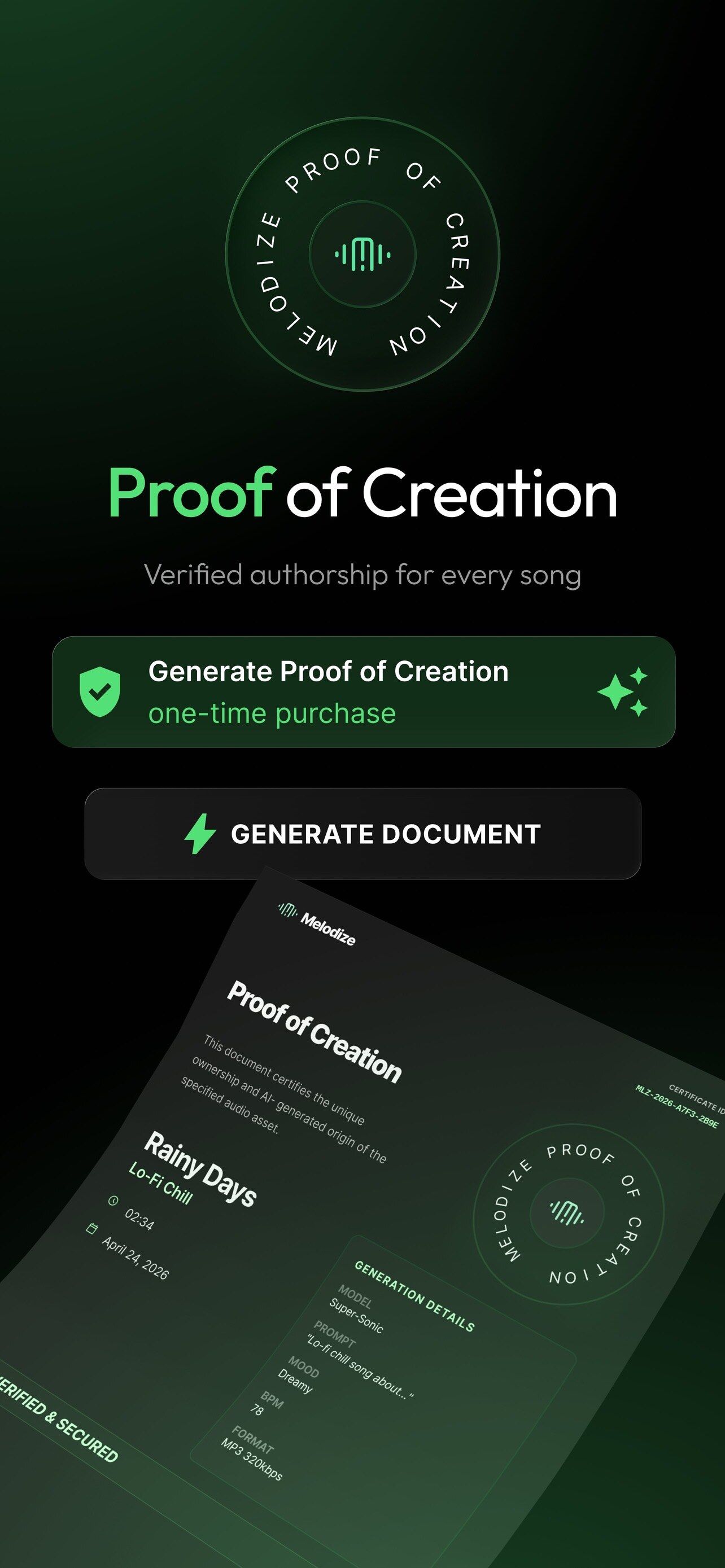
A timestamped document that records when you created a song and with which settings, so you have something to show when authorship is questioned.
One-time purchase per song
AI music & song generator
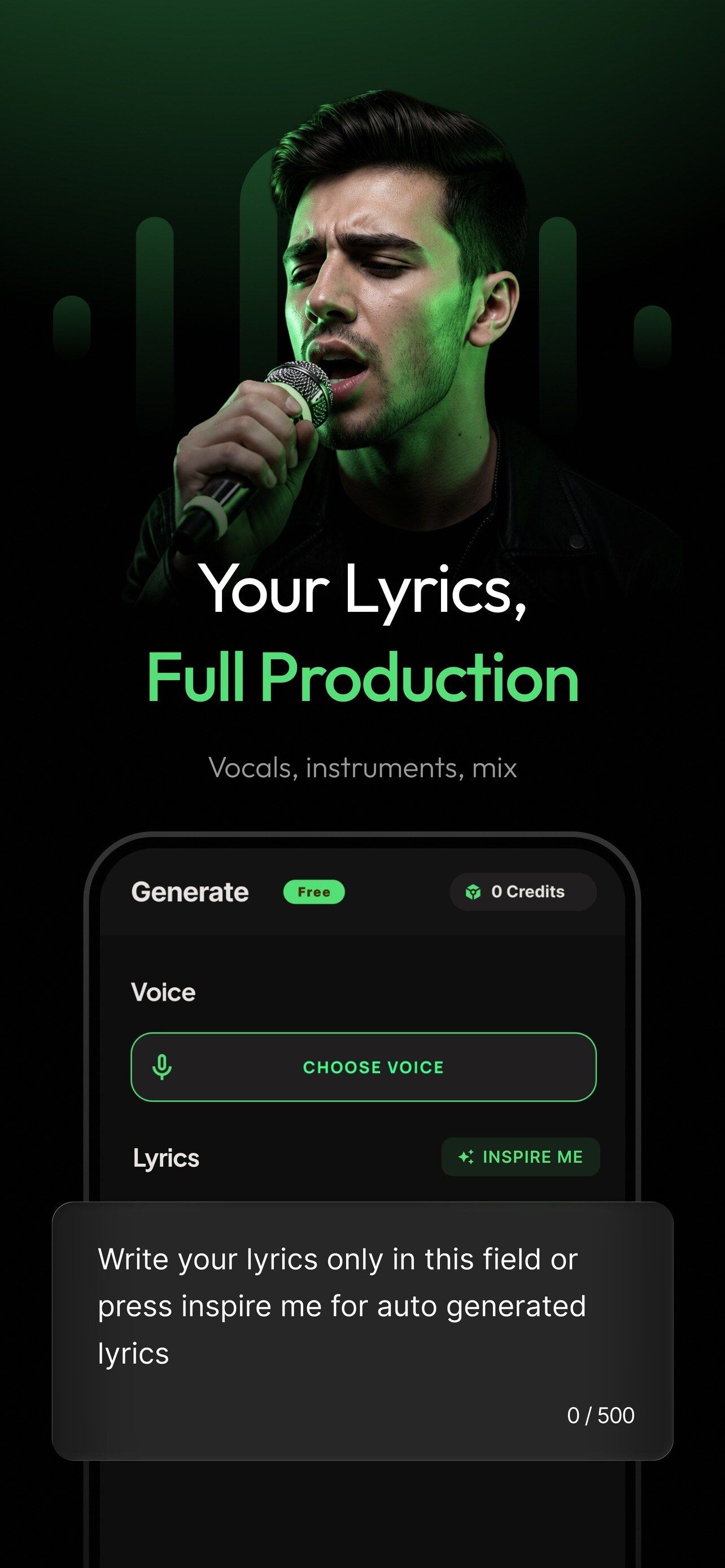
A photo, a hum, a chat screenshot, your lyrics or one sentence. Melodize writes, sings and mixes a full song with vocals, even in your own voice.


Start from anything
Pick what you have right now. Melodize turns it into lyrics, melody, instruments and vocals.
01 / 06 · Photo
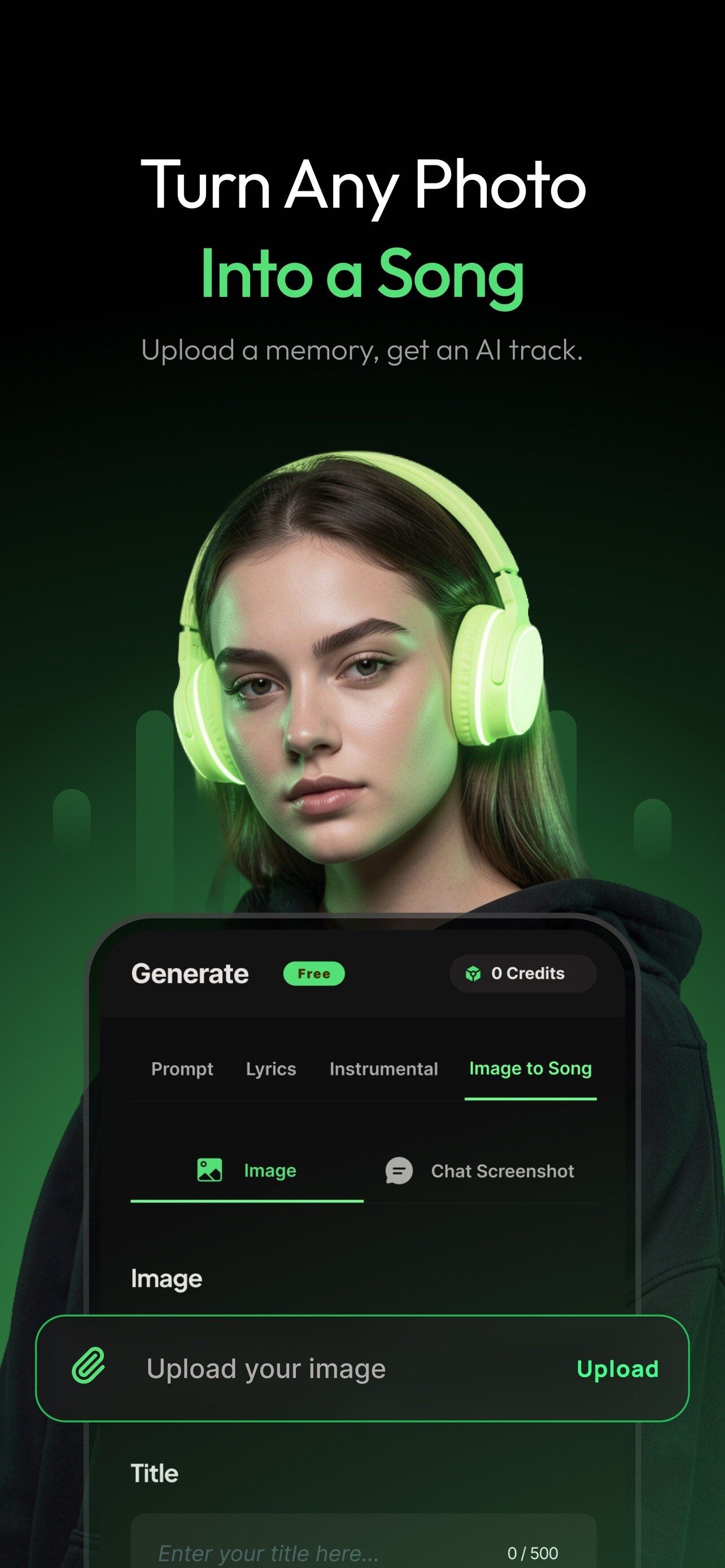
Upload a memory. Melodize reads the mood and colours of the picture and writes a song that sounds like it.
More on Photo to Song02 / 06 · Hum
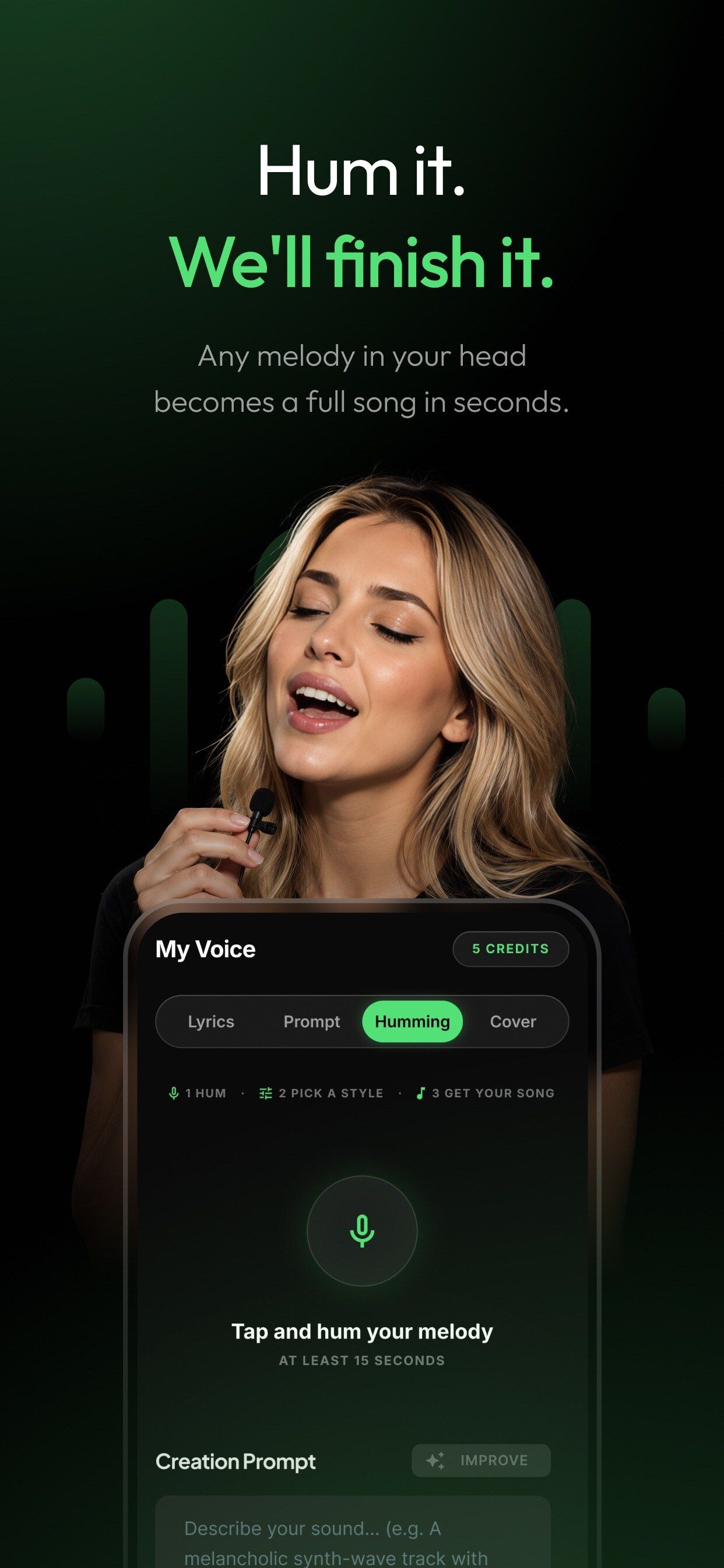
Hum the melody in your head for at least 15 seconds and get it back as a full track with instruments and vocals.
More on Hum to Song03 / 06 · Chat
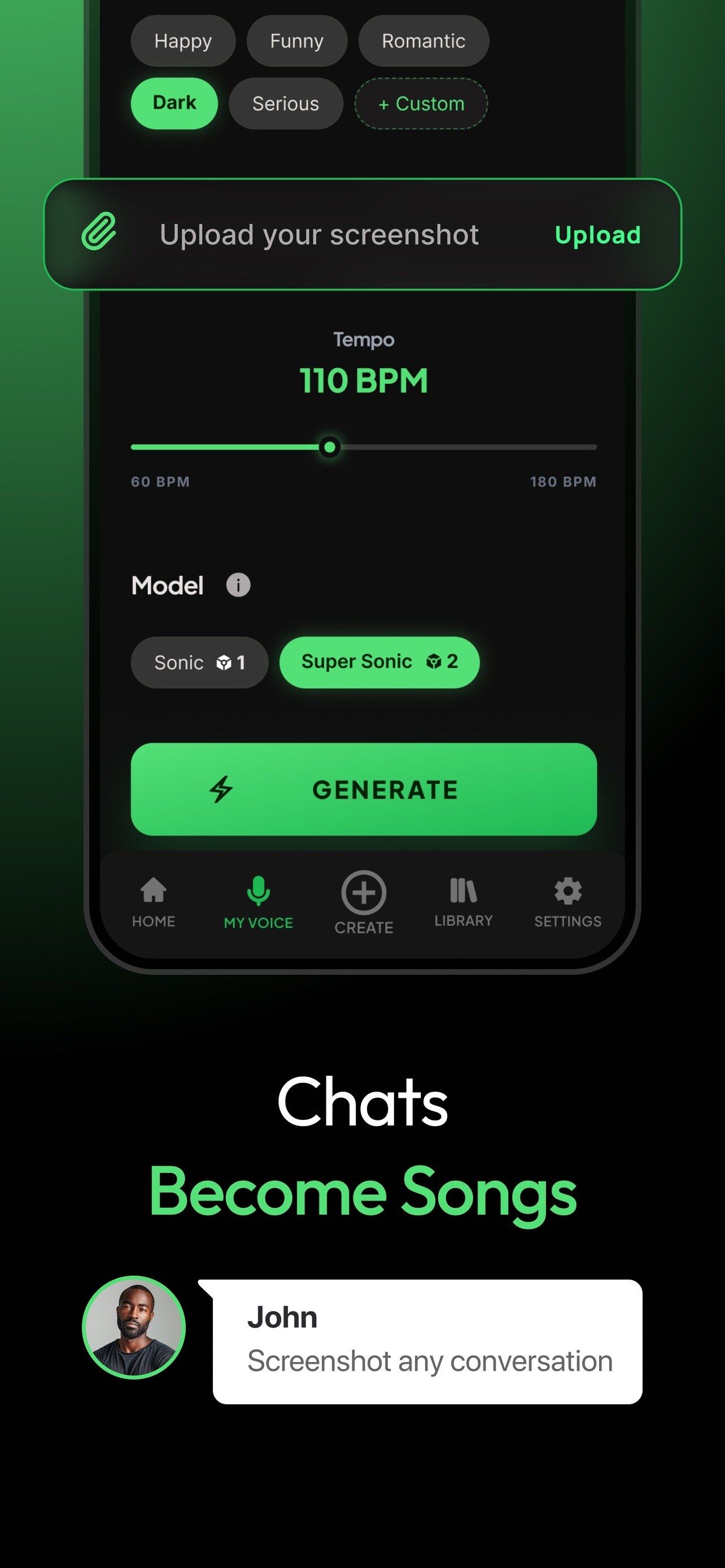
Screenshot a conversation with a friend or partner and turn your inside jokes into a song made just for them.
More on Chat to Song04 / 06 · Lyrics
Bring your own words, or tap Inspire Me for a draft of verses, hooks and a chorus you can edit before any audio is made.
More on Lyrics to Song05 / 06 · Prompt
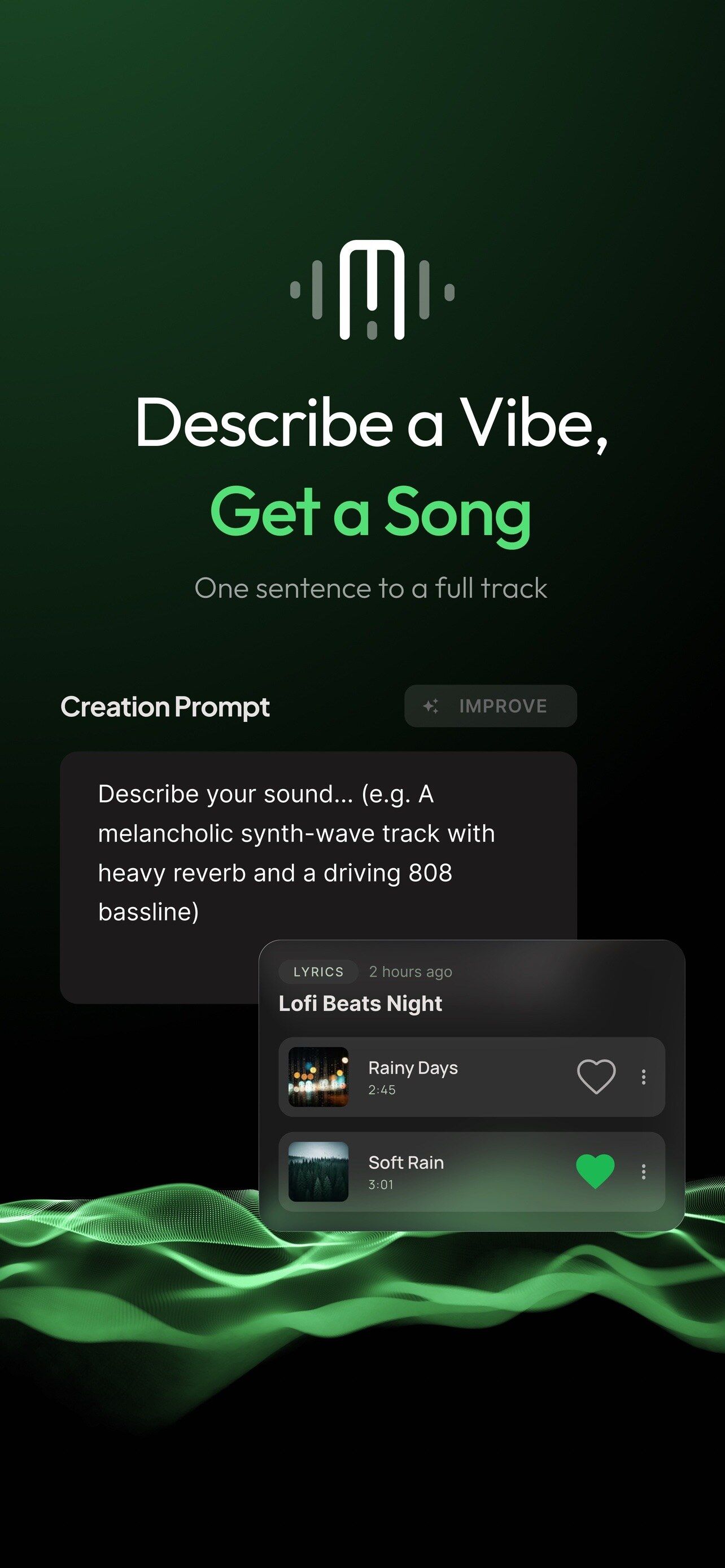
One sentence is enough: “a melancholic synth-wave track with heavy reverb and a driving 808 bassline”.
More on Text to Song06 / 06 · Your voice
Record your voice once. From then on any song you make can be sung by you.
More on singing in your voiceHow it works
A photo, a hum, a chat, your lyrics or one sentence.
Mood, tempo, language, the voice, and Sonic or Super Sonic.
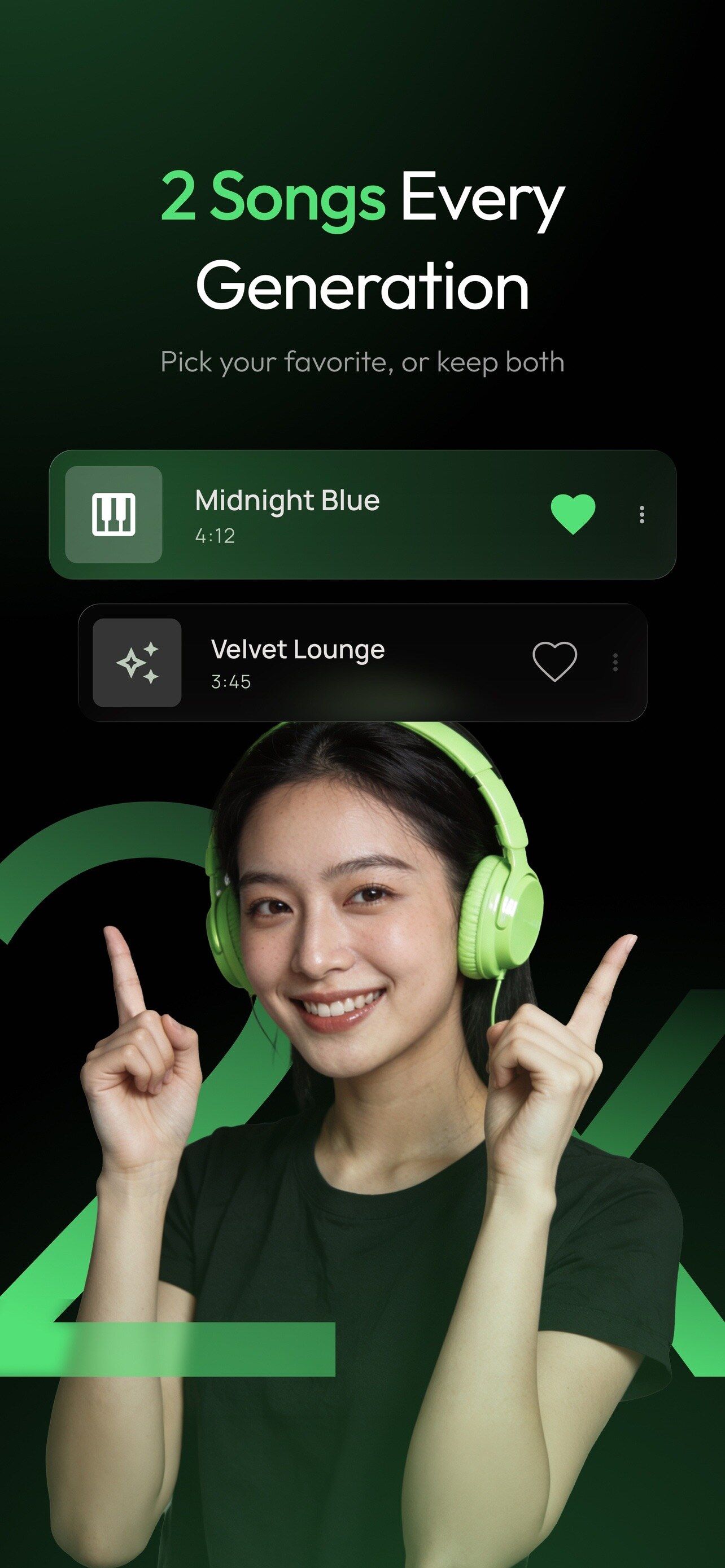
Every generation gives you two versions. Keep one, or both.
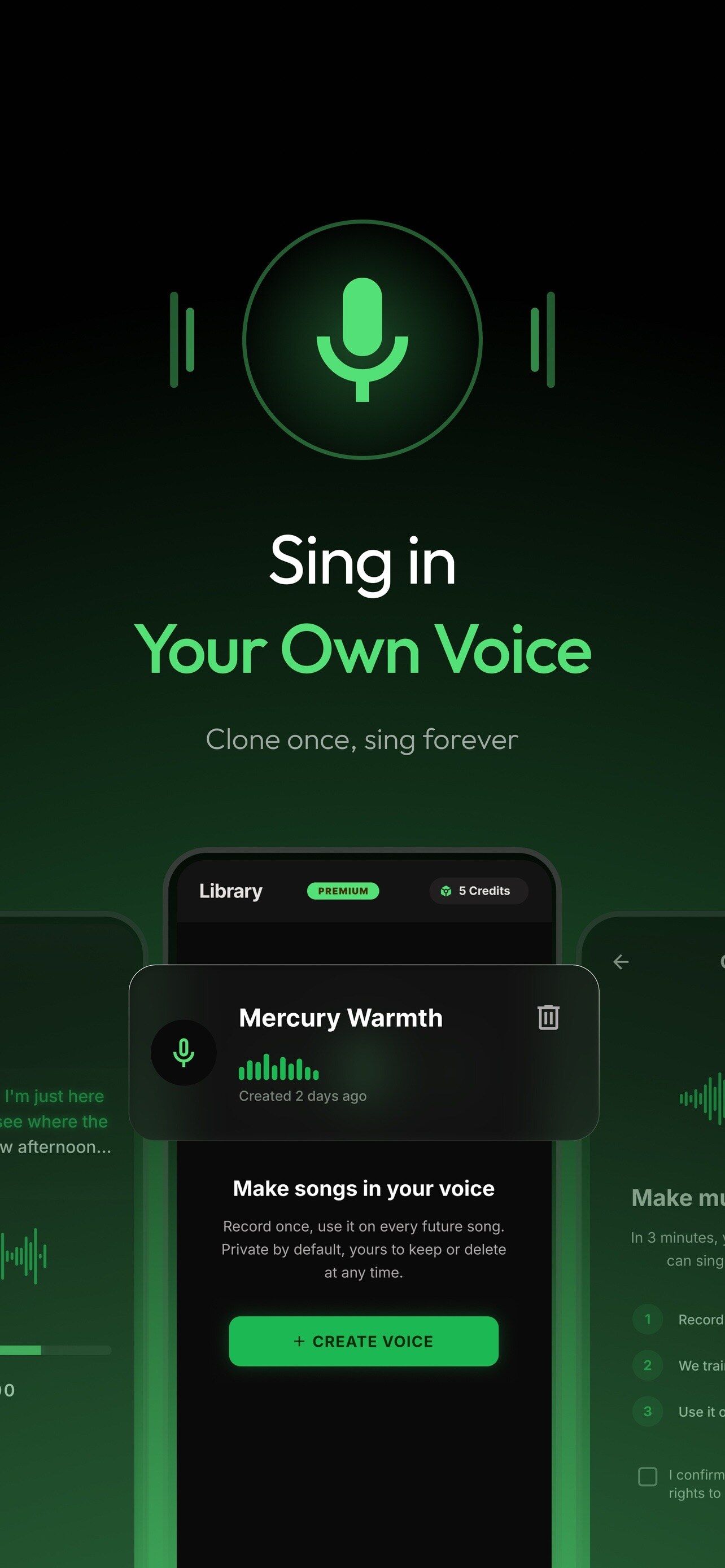
My Voice
Clone your voice once and it becomes one of the singers you can choose for every song.
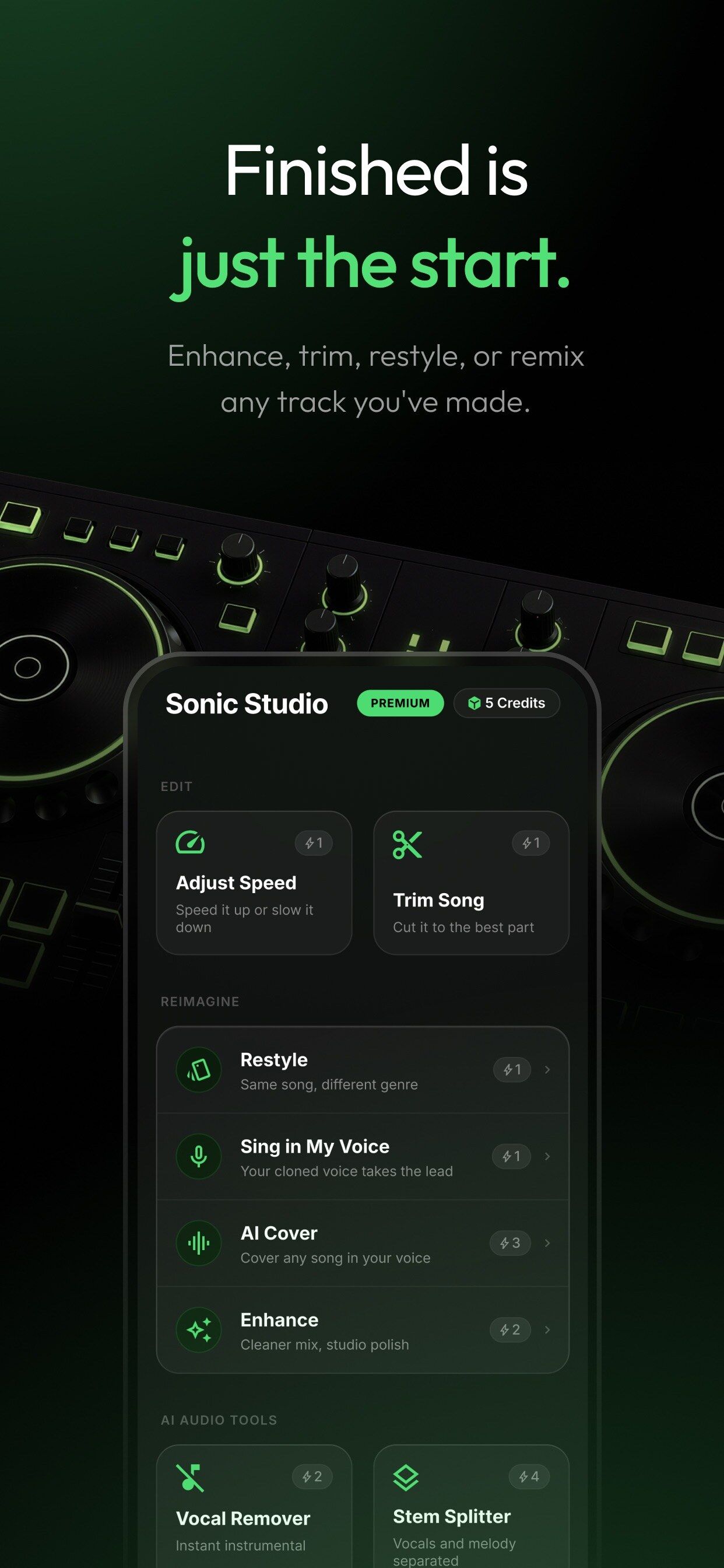
Sonic Studio
Enhance, trim, restyle or remix any track you made, without leaving the app.
Yours to use
A timestamped document that records when you created a song and with which settings, so you have something to show when authorship is questioned.
One-time purchase per song
Export your songs royalty-free, ready to post as audio or video.
Community
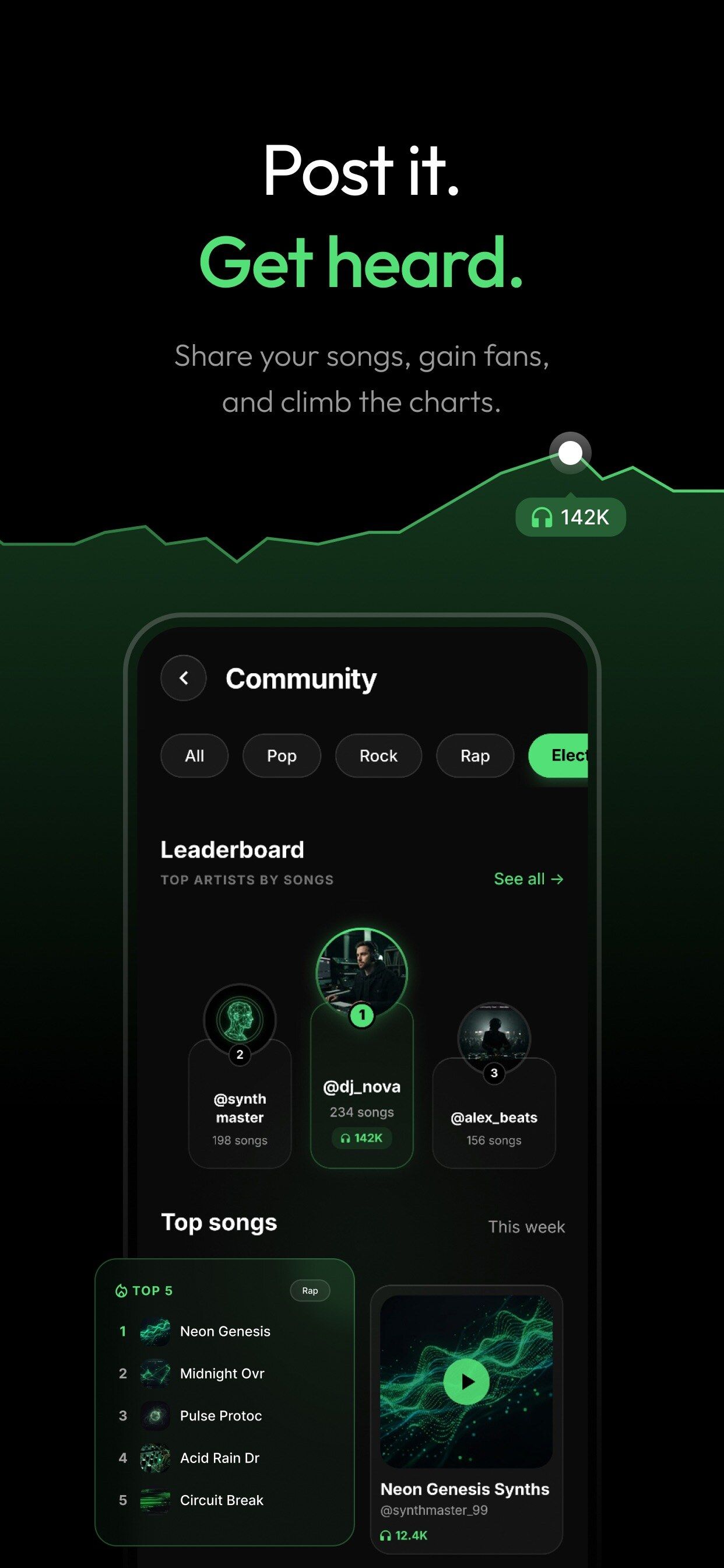
Share your songs, gain followers and climb the weekly Top Songs chart and the creator leaderboard.
About the communityIdeas
The app speaks your language
English, Türkçe, Español, Français, Deutsch, Português, Русский, العربية, 简体中文, 繁體中文, Tiếng Việt
Inside the app
FAQ
Melodize is free to download and to start making songs. Premium subscriptions and one-time song credit packs unlock more generations and Sonic Studio tools.
A photo, a hummed melody, a chat screenshot, your own lyrics or a one-sentence description. You can also make instrumentals with no vocals.
You record your voice once in the app. After that you can choose it as the singer for any song. It is private by default, you can delete it at any time, and you confirm it is you with one short sentence before each song.
Every generation gives you two different versions of the same idea, so you can pick your favourite or keep both.
Yes. You can download your songs and share them to TikTok, Reels, Shorts and YouTube. The Terms of Use set out exactly how you may use them.
iPhone and iPad with iOS 15 or later, Macs with Apple silicon, Apple Vision Pro, and Android phones.

Free to start on iPhone, iPad and Android. Every generation gives you two versions.
